
Piano visualizer
A piano visualizer with a world in it.
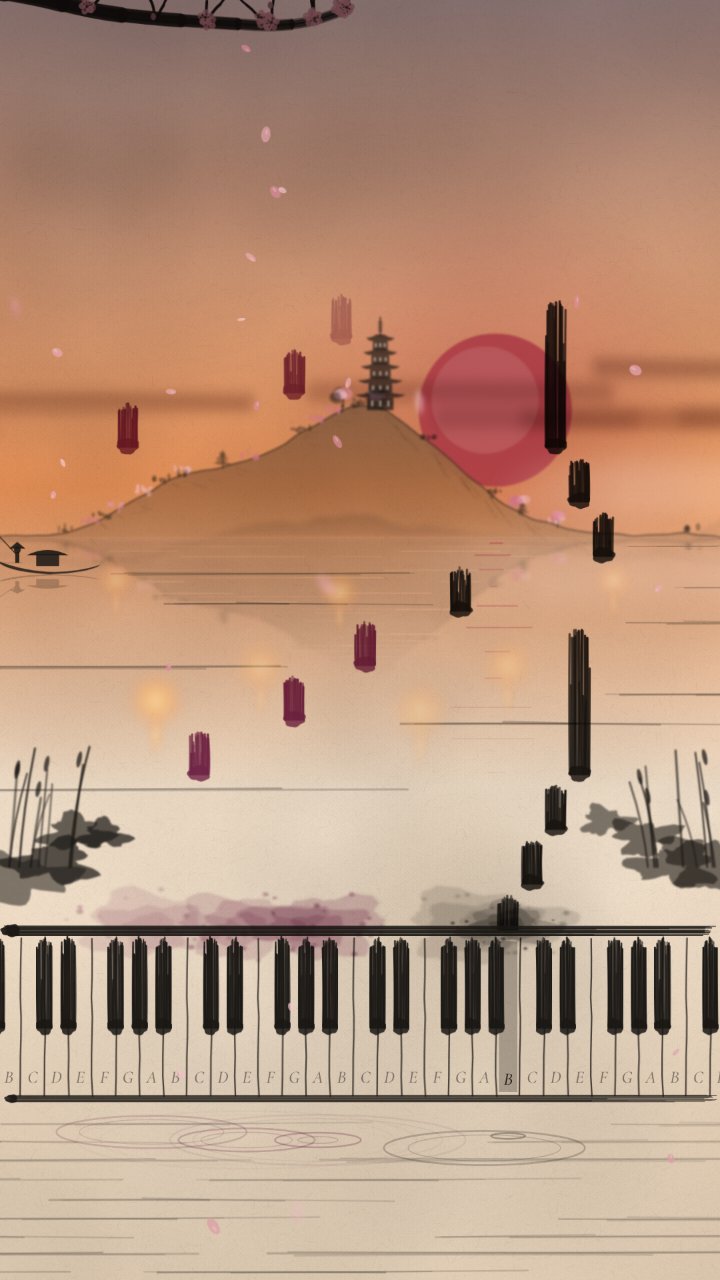
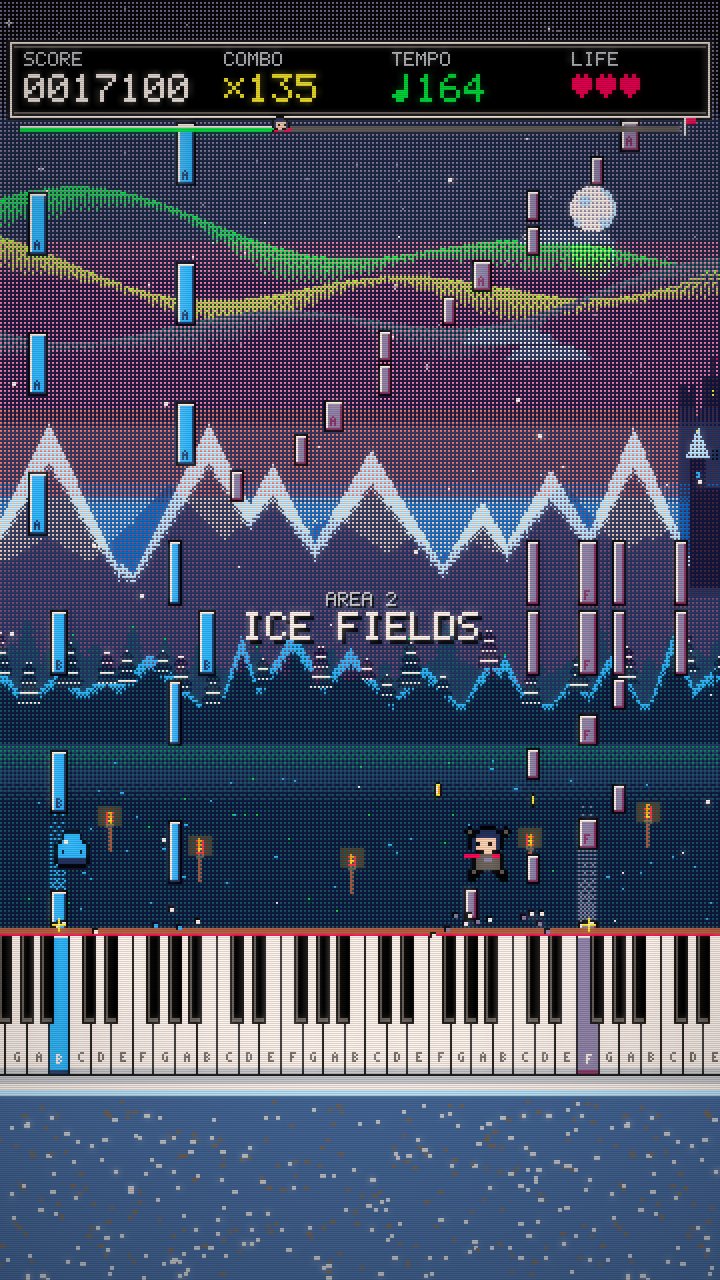
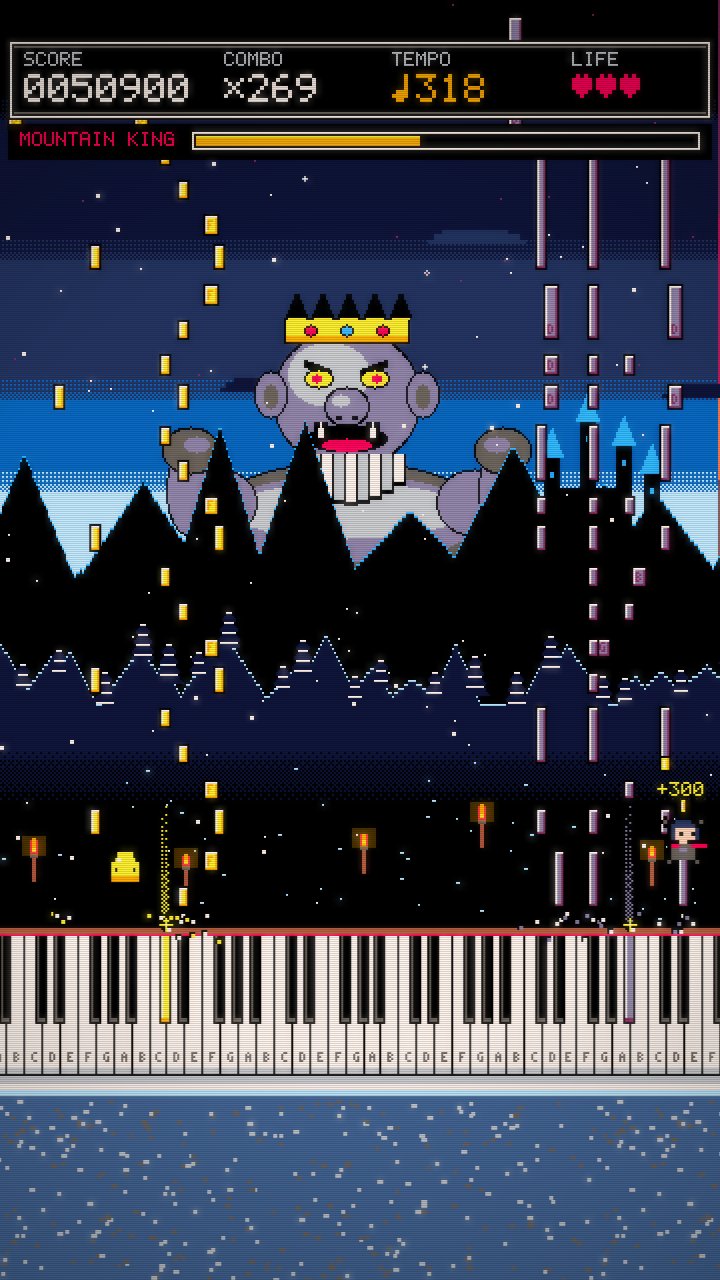
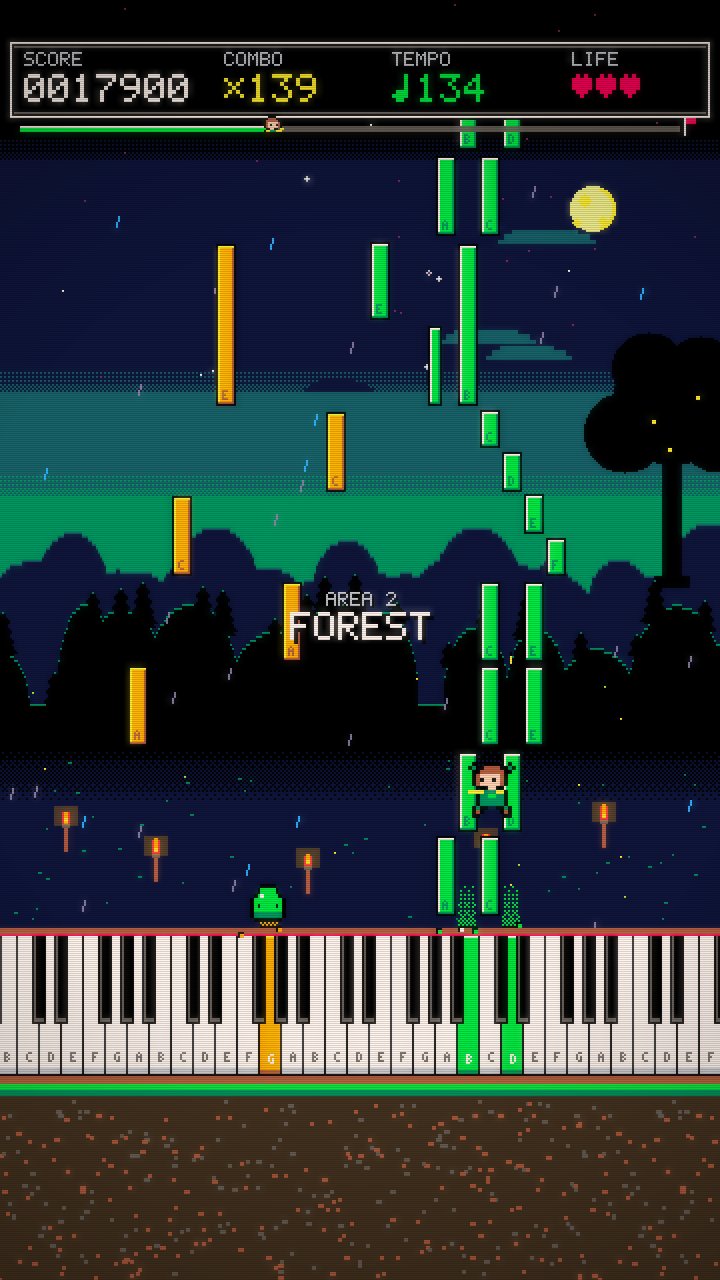
Falling notes land on the keys while a hero runs the level or the ink landscape changes with the music. Play any piece in the browser, then export it as a video.
Open the visualizer- An 8-bit game level or an ink painting
- Scenery picked from the music, new on every roll
- Note names on the keys for learners
1Choose a piece
Start with a classic from the library or open your own MIDI file.
2Watch it play
Press play to hear the grand piano and see every note fall onto its key. Slow it down to learn.
3Save it as video
Export a vertical MP4 to post on TikTok, Reels or YouTube Shorts.
More than falling blocks
Most visualizers draw rectangles on black. Ours builds a place around the music: a level with coins, lands and a boss for fast pieces, or a sumi ink landscape with its own season and weather for quiet ones.
Made for learning too
Every key is labelled, and you can slow the piece down to half speed and watch which notes come next. Teachers use it to show students tricky passages.
Start with a classic
Questions
Is it a Synthesia-style visualizer?+
It shows falling notes like the popular learning apps, and adds a game level or an ink painting around them, made for sharing as videos.
Does it need a fast computer?+
No. Both looks are drawn in 2D, so any recent laptop or phone plays them smoothly.
Can I connect my keyboard?+
Not live yet. Record a MIDI file from your keyboard and open it in the studio.